Onboarding and product knowledge, written from your own docs.
Engineering wikis, runbooks and product specs become learning paths for new hires, support teams and customers. The examples come from your stack, not from a generic textbook.
- Learners
- Developers, support and sales teams, new hires, customers and partners
- Typical topics
- Engineering onboarding, Security and data protection practices, Product training for sales and support, Customer and partner academies
- Sample module
- Handling personal data in our services
01 Topics
What we usually cover
- 1 Engineering onboarding
- 2 Security and data protection practices
- 3 Product training for sales and support
- 4 Customer and partner academies
Any other subject works the same way: from your documents or from a brief.
02 Formats
What works best for these learners

Learning paths
Built from your docs and runbooks, in a sensible order.
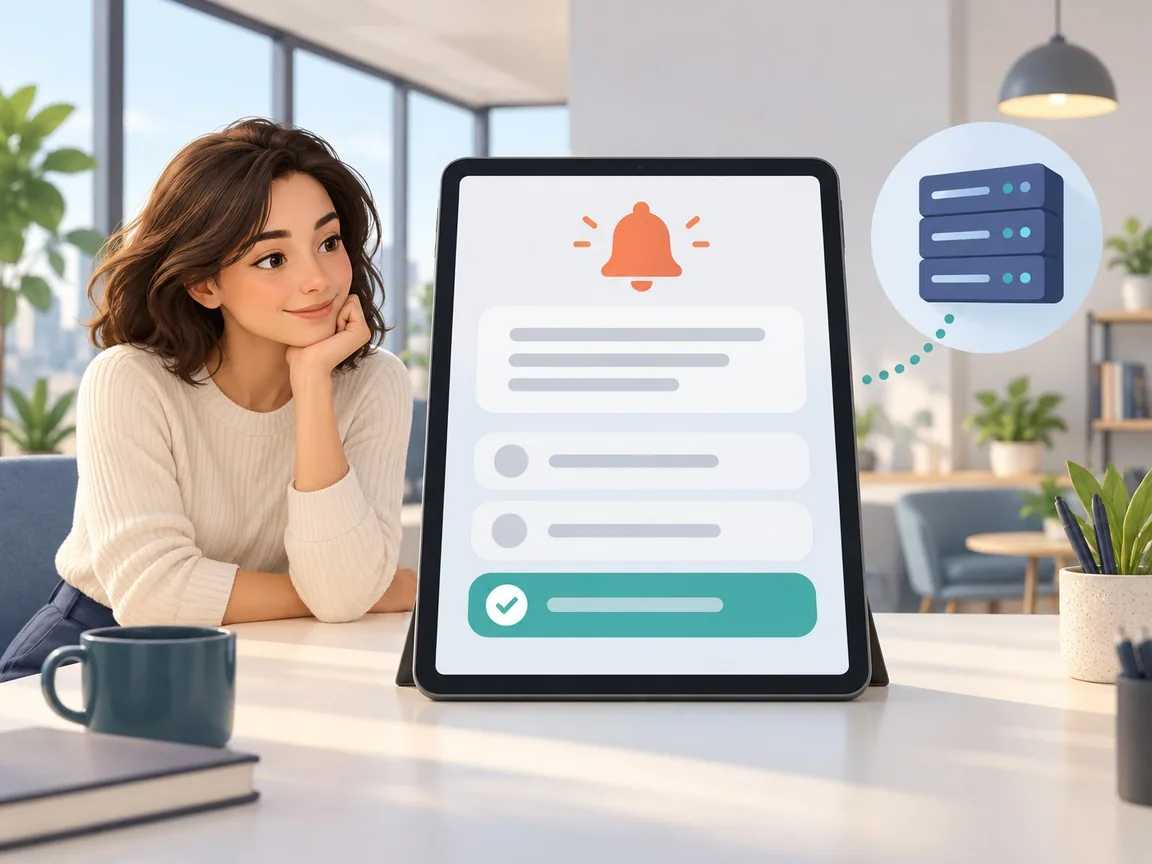
Scenario questions
Drawn from the kind of incidents your teams really handle.
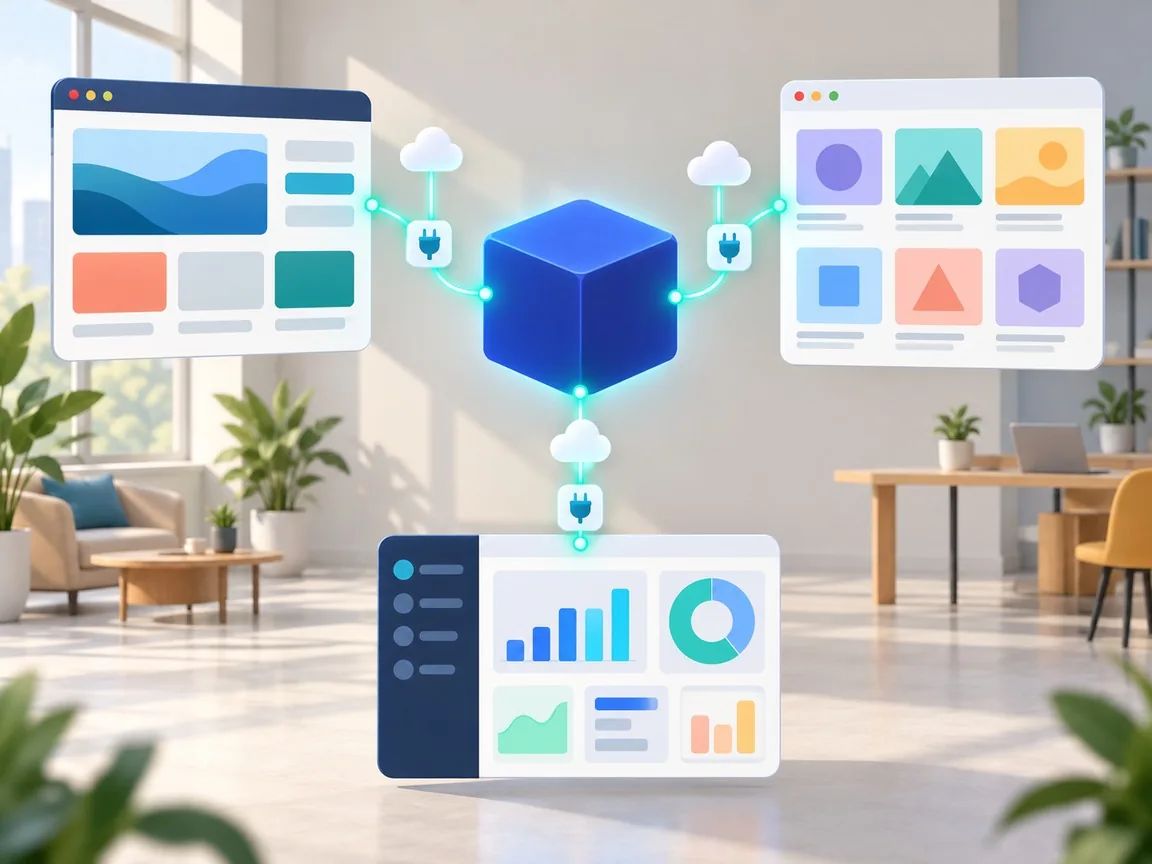
Delivered through the API
Into your own portal, LMS or product.
03 Sample module
Handling personal data in our services
-
1
What counts as personal data here
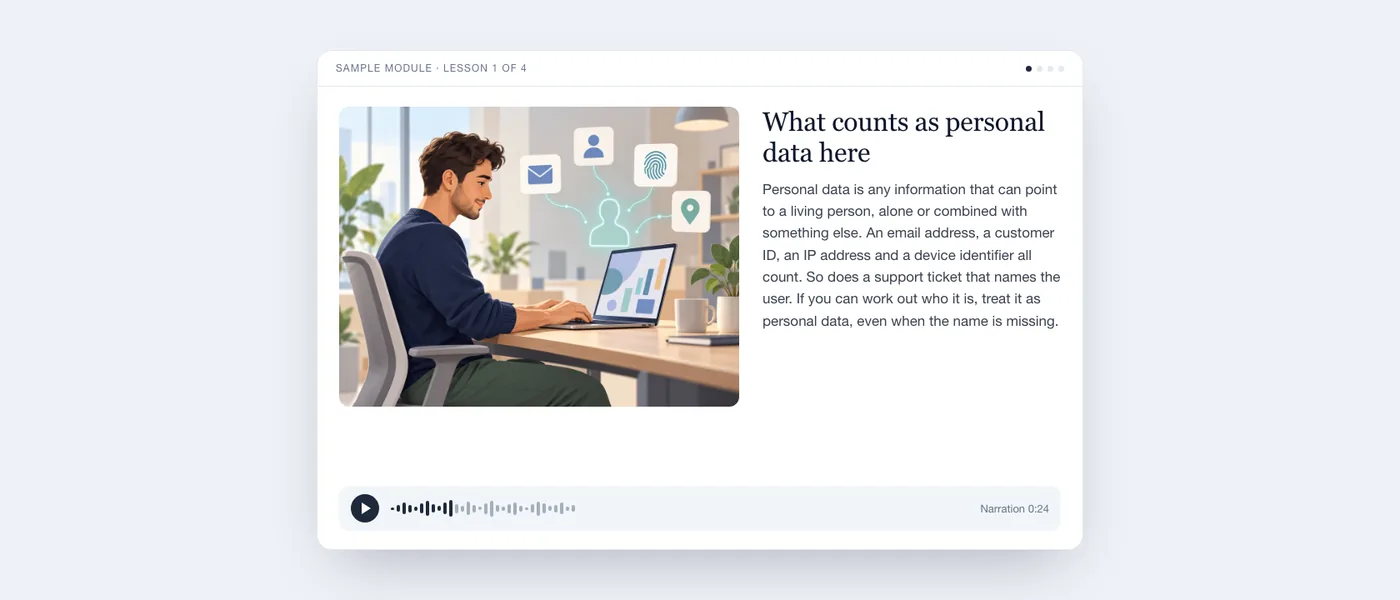
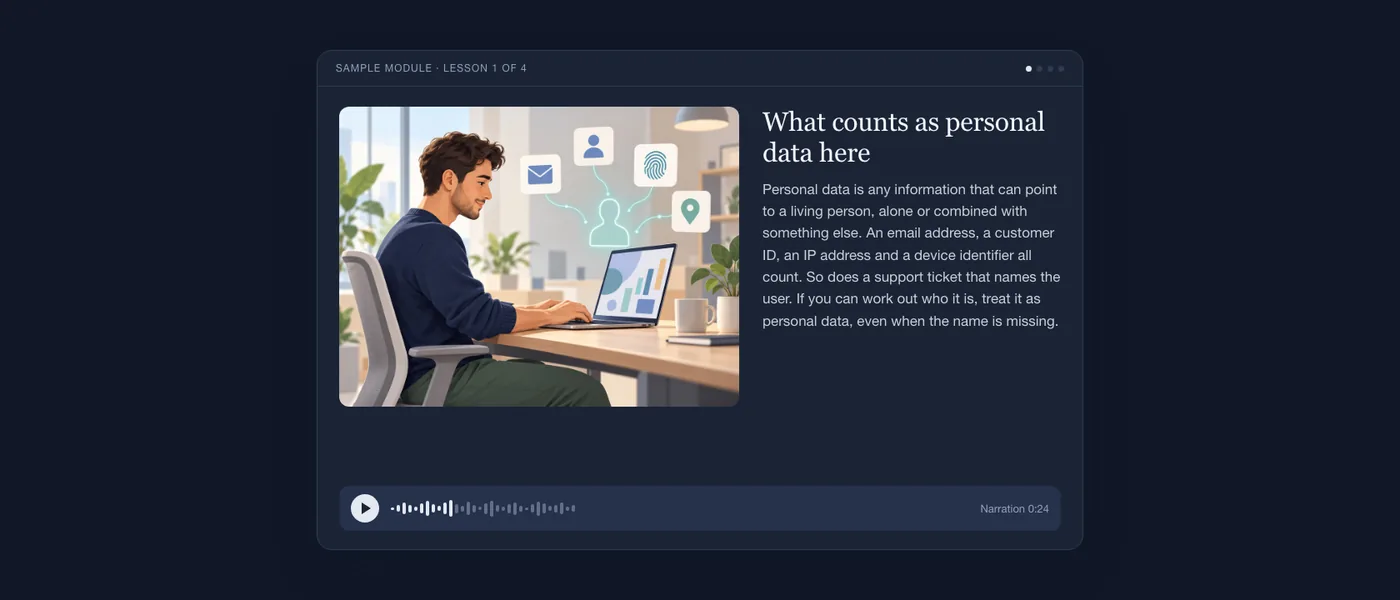
Personal data is any information that can point to a living person, alone or combined with something else. An email address, a customer ID, an IP address and a device identifier all count. So does a support ticket that names the user. If you can work out who it is, treat it as personal data, even when the name is missing.
Narration, 0:24 
-
2
Logging without leaking
Logs travel further than code: to dashboards, to vendors, to backups. So log the event, not the person. Write the user ID instead of the email, and never print a request body or a token. Before you add a log line, ask what a stranger could learn from it. Mask what you must keep, and set a short retention period.
Narration, 0:23 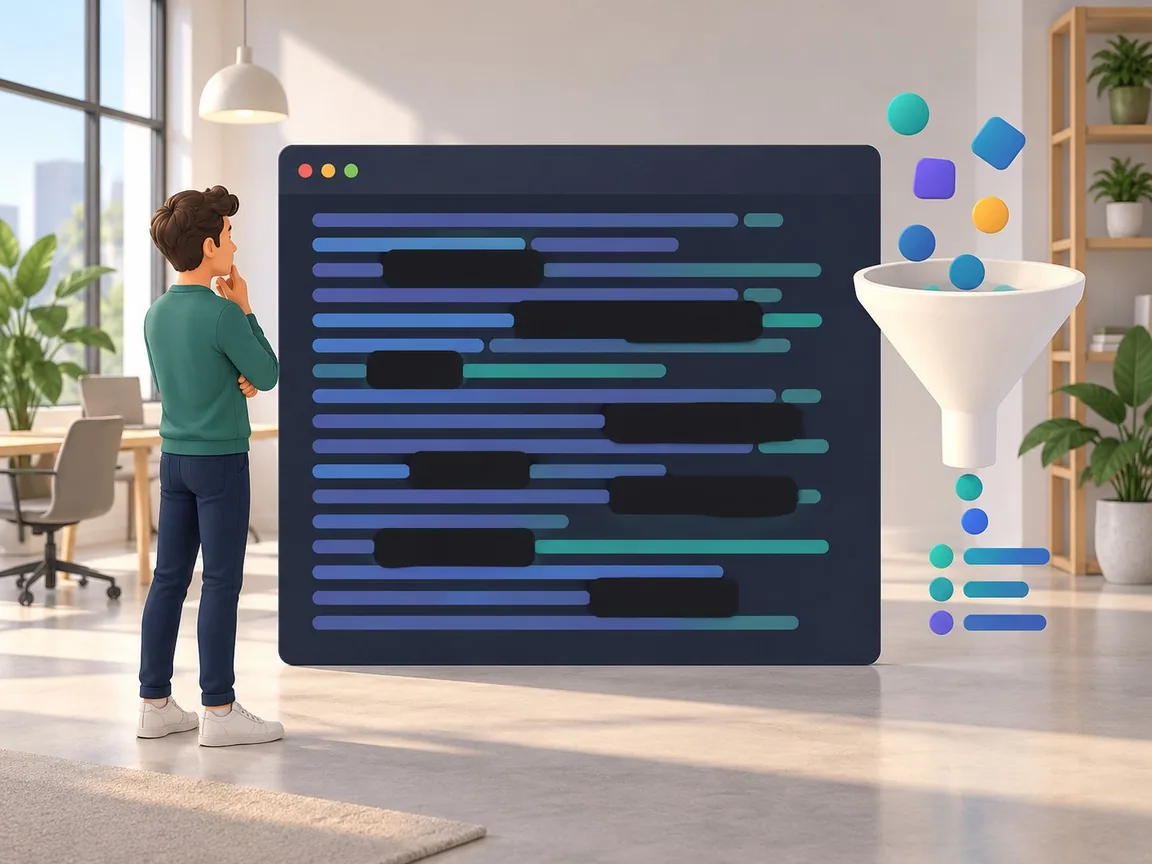
-
3
Access and deletion requests
People can ask what we hold about them, and ask us to delete it. These requests arrive through the privacy form and must be answered within the deadline shown on the ticket. Never search by hand. Open the request in the privacy tool, which finds the records across our services and starts the deletion. Backups are cleared on their normal schedule.
Narration, 0:22 
-
4
Scenario: an email address in a stack trace
A teammate pastes a stack trace into the team chat. Halfway down, a customer's email address appears inside an error message. What do you do? Do not forward it. Delete the message, tell the teammate, and open an incident for the leak. Then fix the cause, so the code no longer puts the email into the error text.
Narration, 0:23 
Demos for other sectors
- Nurseries and preschools Picture cards and stories read aloud, for children who cannot read yet. See the demo
- Primary and secondary schools Lessons that follow the curriculum, with checks and accessible versions. See the demo
- Vocational institutes Real work situations, explained step by step. See the demo
- Factories and manufacturing Work instructions operators understand on their first shift. See the demo
- Health and safety training Mandatory topics told through the situations your people face. See the demo
- Healthcare and care homes Clear procedures for teams that work in shifts. See the demo
- Retail and customer service Product and service training for every store and every new hire. See the demo
- Marketing and creative teams Brand rules and agency know-how that new creatives learn in days, not months. See the demo
- Public administration and municipalities Clear answers for citizens, for the website, the lobby screen and the counter. See the demo
- Sports clubs, associations and events Rules and briefings that every participant understands before the start. See the demo
- Safety and compliance for multilingual teams Safety lessons that every worker understands, in their own language. See the demo
- Youth sports clubs: safeguarding and parents The club's code of conduct, explained to coaches, parents and young athletes. See the demo
- Another sector? Tell us who has to learn what, and we will tell you how we would do it. Contact us
Tell us what your people need to learn.
A 30 minute call is enough to understand whether it fits, and to give you a scope and a price for a pilot module.
- Company
-
ITALIO SRL
Via Emilia Ospizio 16, 42122 Reggio Emilia (RE), Italy